Use cases / Coaching programs
Run your coaching programs in one place.
Calls in Zoom, worksheets in Drive, questions scattered across WhatsApp, payments somewhere else. Here each cohort gets one home: its group, the weekly material, calls with reminders and recordings, and checkout.
 Faizan, the founder, helps you set up your first cohort and answers support himself.
0% platform fees14-day free trial, no card30-day refund on your first payment
Breathe Better in 8 Weeks
- Week 1 · Your baseline
- Week 2 · Slow nasal breathing
- Week 3 · Breath and sleep
- Week 4 · Opens in 3 days
A cohort, from the first sale to the last call
You set it up in Studio, the admin we built for owners who aren't technical. The group, the course, the calls and the price sit in one plain menu, and the founder walks you through it the first time.
- Sell the programOne price for as long as the program runs, or a monthly plan.
- Your clients join the cohort's groupA feed for questions, its members, and a Resources tab for worksheets. Replies show up live, with a notification on the site.
- The material opens week by weekEach section of the course unlocks a set number of days after a client enrolls, with a notice and an email.
- The group callsEach call is an event with the meeting link, reminders and the recording after.
- 1:1 between callsPrivate messages with files and read receipts, for the questions people won't ask in the group.
- The program endsAccess ends when the period you set runs out, with a reminder before. The next cohort gets a new group and reuses the course.

Events with the reminders built in
Paste your Zoom or Google Meet link into the event. Members RSVP, and the reminders go out on their own.
- Add to calendarMembers add the call to their own calendar from the event page.
- The link to join in the reminderThe day-before email carries the meeting link. Join Now opens on the event page 15 minutes before the start.
- The recording on the same pageAdd the recording link after the call, and anyone who missed it catches up.
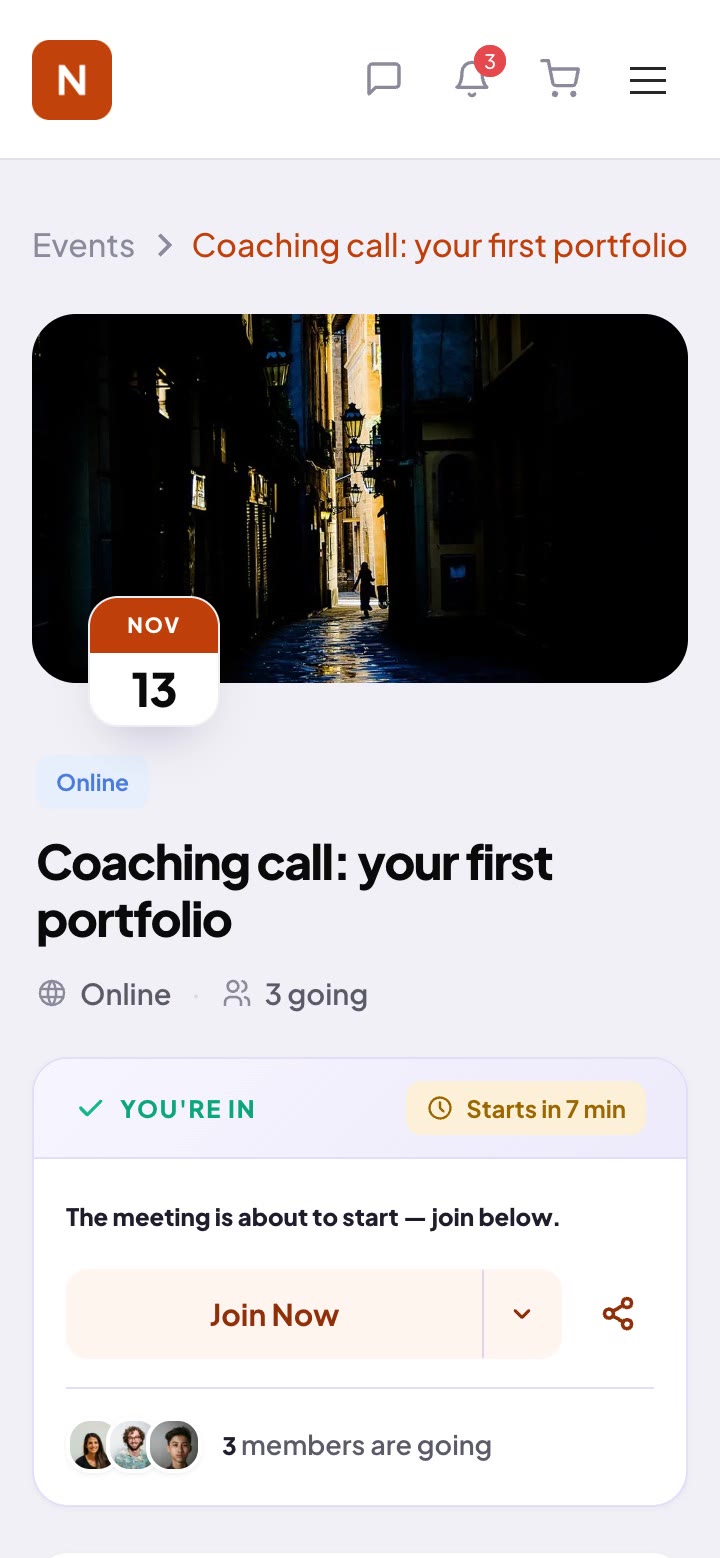
On your members' phones today
- Any phone browseriPhone or Android, with nothing to install.
- Your videos play on the phoneLessons are hosted with us and stream in the browser, only for members with access.
- Reminders by emailThe day before, plus a notice on the site 15 minutes before.
- Native apps Coming early 2027For iPhone and Android.
A 28-day breath program, run on TribeCrafter
Conscious Breathing Institute runs its 28-day breath training here, in a community under its own name.
- Moved from a Facebook groupThe program left Facebook for its own community.
- A QR code in the bookReaders scan it and land in the community.
- Everything in one placeCourses, groups and articles, under the institute's own brand.
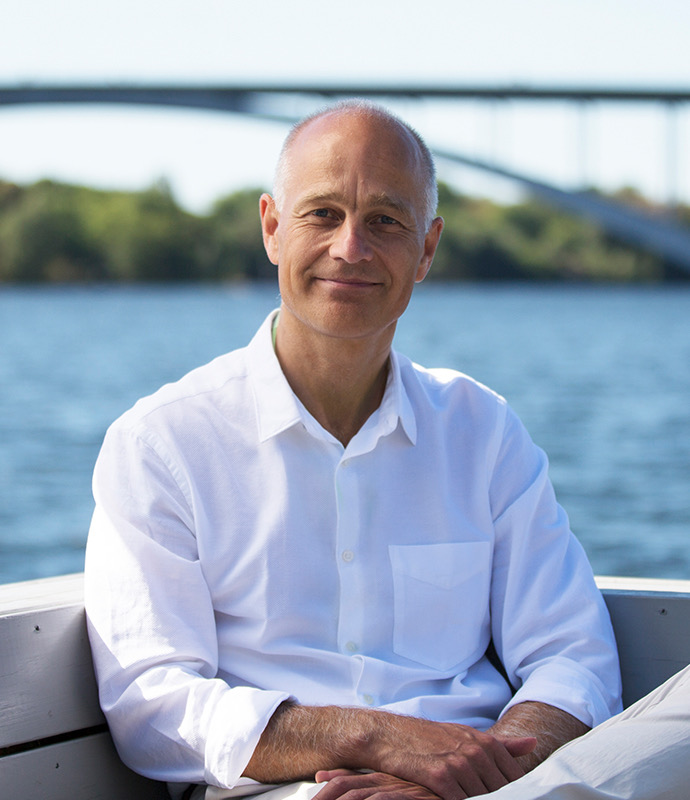
Setting up our community on TribeCrafter was smooth, and Faizan and his team were right there whenever we needed help.Anders Olsson, founder of Conscious Breathing Institute
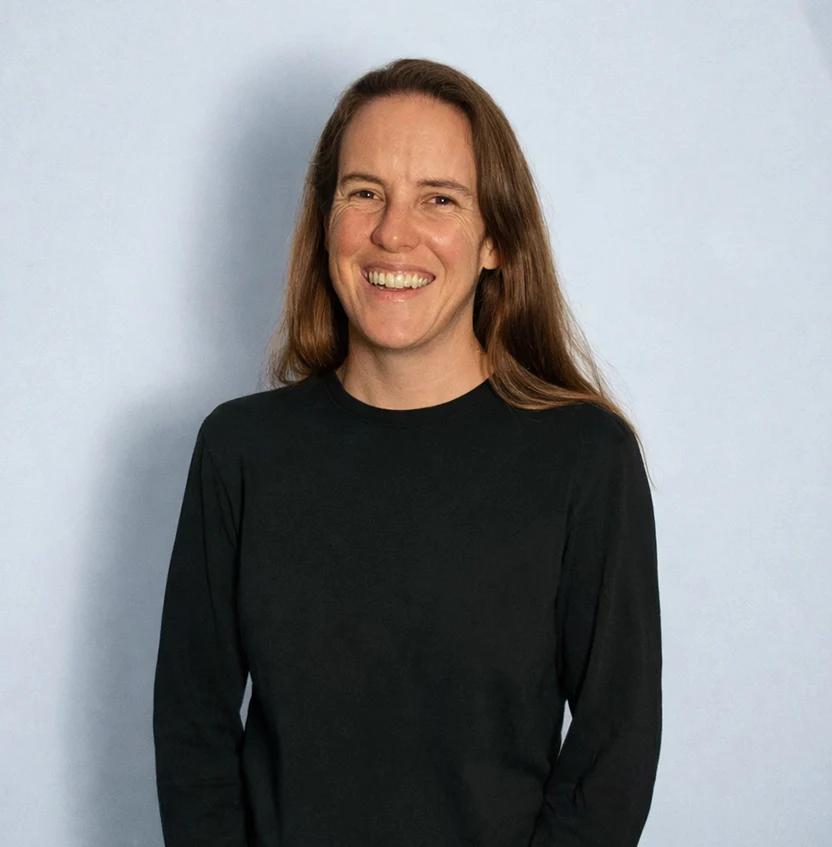
Every bug or suggestion we flag gets picked up quickly, sometimes fixed within the day.Jackie, Community Manager at Conscious Breathing Institute
Talk it through with the founder.
I answer support myself, and a small team builds the product with me. On a 30-minute call we look at what you want to run and how to set it up here.
Faizan, founder and technical leadWhere are you running it today?
- Starting freshYour first cohort. The founder helps you plan the launch.Start from zero →
- Facebook, WhatsApp and ZoomQuestions, calls, files and payments in one place.Bring it together →
- KajabiYour program and your community in one place.Moving from Kajabi →
- CircleCourses with hosted video built in, and 0% platform fees.Moving from Circle →
Questions coaches ask us
How do clients pay?
At a Stripe checkout, straight into your own Stripe account, in your own currency. Sell the program for one price or as a monthly plan. We take 0%; Stripe's normal fees apply.
How do I bring my current clients over?
Invite them by email from Studio, or send them the program's link. You upload your material as a folder of videos, and the founder helps you plan the move on a call.
Does it work with Zoom?
Yes. Paste your Zoom, Google Meet or any meeting link into the event. Members get it in the reminder email the day before, and on the event page once they RSVP.
My cohort starts on one date. How does weekly unlocking work?
Each week unlocks a set number of days after a client enrolls, so everyone moves at the same pace from the day they join. To keep the whole cohort on fixed dates, add each week's lessons when that week starts.
Can I run several cohorts at once, each private?
Yes. Give each cohort its own paid group and reuse the same course. A group's feed, members and files open only to the clients who bought it. For a cohort-only call, post its link in that cohort's group. Events are for calls open to your whole community.
What does it cost?
Plans start at $49/mo billed annually, or $65 billed monthly, after a 14-day free trial with no card. Every plan has unlimited members, every feature and 0% platform fees. Ask within 30 days of your first payment and we refund it in full. After that, cancel anytime.
From $49/mo billed annually, or $65 billed monthly. Unlimited members, 0% platform fees, 30-day refund on your first payment. See pricing →
Run your next cohort here.
Set it up yourself, or book 30 minutes with the founder first and ask anything.
14-day free trial, no cardCancel your plan anytime30-day refund on your first payment