Use cases / Paid memberships
Run a paid membership on your own brand.
For creators with a YouTube channel, a newsletter or a book, and anyone leaving Patreon or Substack. Set up your tiers and premium posts with the founder's help. Members join on your site, and we take 0% of your sales.
0% platform fees14-day free trial, no card30-day refund on your first payment

Talk it through with the founder.
I answer support myself, and a small team builds the product with me. On a 30-minute call we look at what you want to run and how to set it up here.
Faizan, founder and technical leadSet up your plans once
In Studio, a plan takes four short steps: name, prices, what it unlocks, and where members find it. See Studio →
- Higher plans include lower onesMembers upgrade or downgrade themselves, any time.
- "All groups", "all courses", "all premium posts"Offers that include whatever you add later, automatically.
- Premium posts in collectionsWrite in the blog editor and choose which plans unlock each collection.
- Give accessAdd paid groups, courses or premium posts to a member for free, for life or until a date.
- No paid page without a priceMembers never land on something they can't buy.
- See how it's goingMembers, sales, monthly recurring revenue and subscriptions, at a glance.
- Basics
- Pricing
- Content
- Publish
Your members, on your site
Not a group on someone else's platform. No outside ads, no other communities next to yours, and you sell in your own currency.
- Everything in one placePlans, premium posts, courses, events, groups and 1:1 chat in one product. No plugins to fit together.
- Your brand, domain and emailYour logo, colours and landing page, set in Studio without code. Member emails go out from your own domain.
- Your member listSee who joined and who pays, filter by plan, and export the list as a CSV.
Keep members coming back
Emails and reminders that go out on their own.
- "What you missed" emailsSent after 1, 3 and 7 days away, only when something new happened.
- A reminder before a cancelled plan endsMembers who cancel get an email 24 hours before their access runs out.
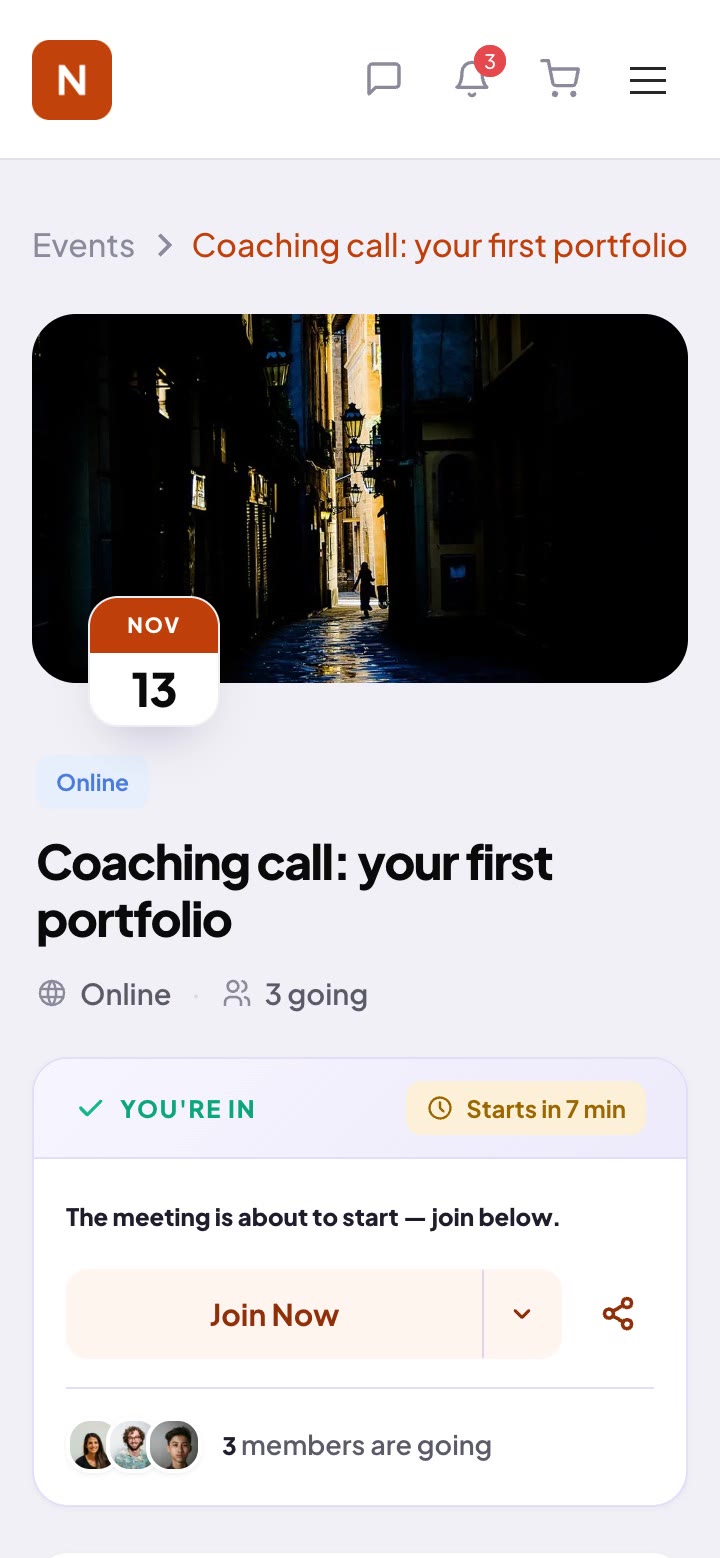
- EventsPaste your Zoom or Meet link. Reminders go out 24 hours and 15 minutes before, and the recording link after.
Already have a newsletter or a channel?
Keep it, and use it to send people to your membership.
- One link for free readersPut your community link in your newsletter or videos. Readers join free, see the opening of each premium post, and pick a plan when they're ready.
- New posts show up in the feedEach new post, premium ones included, is announced in the community feed, so members read it next to everything else they pay for.
- Keep your email toolSend your newsletter the way you do today; we send the member emails. Export your paying members by plan as a CSV whenever you need the list.
How I plan a month of videos in one afternoon
Every month starts the same way: one list, one afternoon, and no camera. Here is the exact order I work in.
Moving paying members over
From Patreon, Substack, Circle or Skool, members subscribe again on your site. This order keeps it simple, and the founder helps you plan the timing.
- Set up firstYour plans, premium posts and groups are ready before anyone arrives.
- Invite by emailPaste their addresses into Studio, with a note from you.
- Cover what they paid forGive access in Studio until their old period ends, so nobody loses a day.
- Stop the old billingStop subscriptions on the old platform when you switch, so nobody pays twice.
From WordPress or BuddyBoss, our importer moves your members, and paying members keep the access they paid for until it ends. How that works →
Running it somewhere else today?
- Patreon or SubstackYour members on your own site and domain, and we take 0% of your sales.Plan the switch with the founder →
- A Facebook groupMembers who are really yours, with no outside ads.Moving from Facebook →
- SkoolYour own brand, with premium blog posts next to the community.Moving from Skool →
- CircleAn admin that's easier to run, with blog posts and courses built in.Moving from Circle →
2,314 members moved over without signing up again
Great Big Photography World moved from BuddyBoss to TribeCrafter in September 2026. Our founder looked after their old BuddyBoss site for years.

It's the first setup in a long time that feels like it was built for a community and not patched together.Irfan Arshad, Content and SEO Manager at Great Big Photography World
We take 0% of your sales
On every plan. Stripe's normal fees apply, and payouts go to your own Stripe account.
Plans start at $49/mo, billed annually, with unlimited members and every feature on every plan. 30-day refund on your first payment. See pricing →
Paid memberships, answered
How do I bring in a large list of free readers?
Put your community link in your newsletter or your videos, and readers join free themselves. You can also invite people by email from Studio, with a short note from you.
How do members cancel?
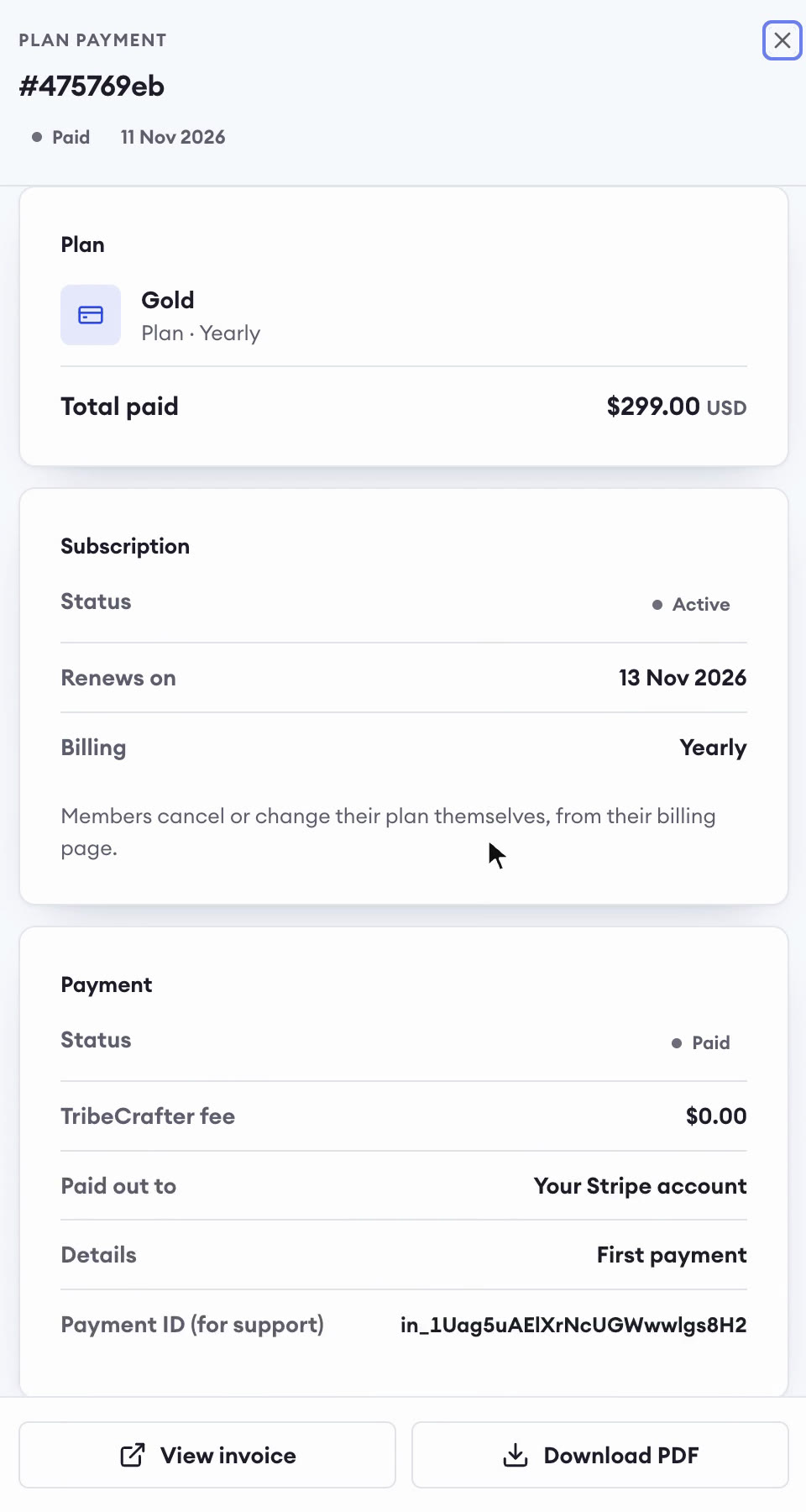
Any time, from their billing page. Their access runs to the end of the period they paid for, with a reminder the day before it ends.
What does it cost, and what do you take from my sales?
0% of your sales; Stripe's normal fees apply. Plans from $49/mo, billed annually, after a 14-day free trial with no card. Ask within 30 days of your first payment and we refund it in full. After that, cancel anytime. See pricing.
Can members use it on their phone?
Yes, in any phone browser, with nothing to install. Native iOS and Android apps are coming in early 2027.
Open your membership this week.
Set it up yourself, or book 30 minutes with the founder first and ask anything.
14-day free trial, no cardCancel your plan anytime30-day refund on your first payment